
 Laura de Santiago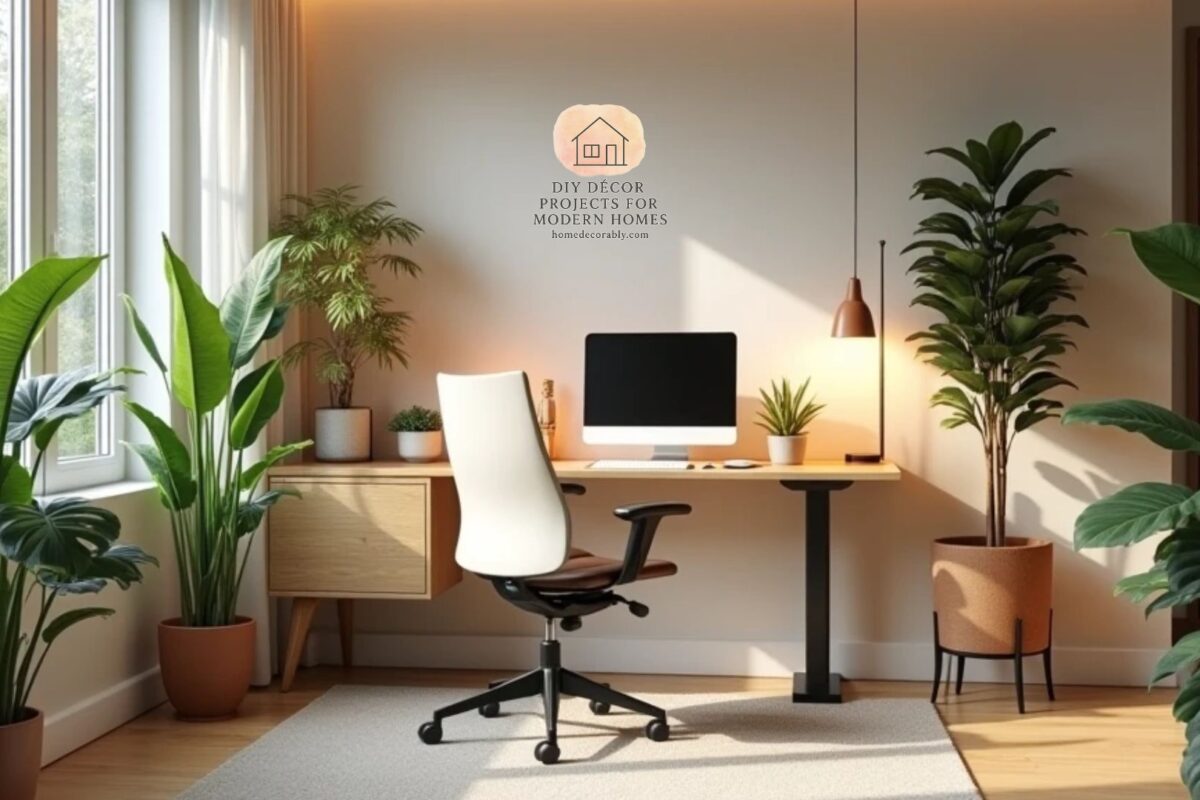
Why Ergonomic Desk Fundamentals and Calm Workspaces Go Hand in Hand
Ergonomic Desk Fundamentals are the foundation of a healthy, productive home office; by applying six targeted desk hacks we can reduce pain, sharpen focus, and transform our workspace into a spa-like sanctuary that supports both body and mind.
Hack 1: Invest in a Height-Adjustable Desk
A height-adjustable standing desk lets us alternate sitting and standing, reducing sedentary strain and improving circulation a simple foundation for spa-like comfort. Think of it as the adjustable mattress of your workday: small changes, big relief.
Hack 2: Set Monitor Height Like a Pro
Place your monitor so the top third is at or just below eye level to prevent neck strain and keep focus steady. Elevating screens is a tiny tweak with outsized benefits.
Hack 3: Choose a Chair That Hugs, Not Holds
We recommend a chair with lumbar support, adjustable armrests, and breathable fabric. Comfort should feel like a gentle embrace, not a rigid throne.
Hack 4: Layer Lighting for Mood and Function
Combine soft ambient light with a focused task lamp. Warm tones reduce visual fatigue and create a spa-like glow that calms the nervous system while keeping work crisp.
Hack 5: Add Natural Elements and Textures
Introduce plants, wooden accents, and soft textiles to lower stress and improve air quality. These elements act like aromatherapy for the eyes subtle, grounding, and restorative.
Hack 6: Build Micro-Break Rituals
We suggest a 5-minute reset every hour: stretch, breathe, hydrate. These tiny rituals are the spa treatments of the workday, preventing stiffness and sharpening clarity.
6-Step Setup Checklist
- Desk: Height-adjustable; set to elbow height when typing.
- Monitor: Top third at eye level; 20–30 inches away.
- Chair: Lumbar support; feet flat on floor.
- Lighting: Warm ambient + adjustable task lamp.
- Nature: One low-maintenance plant and a wooden tray.
- Rituals: Timer for hourly micro-breaks.
Small Budget, Big Impact
You don’t need luxury to feel luxurious. Affordable monitor risers, a supportive cushion, and a soft desk mat can shift the vibe from clinical to calming overnight.
Design Tips That Don’t Sacrifice Ergonomics
- Keep frequently used items within arm’s reach.
- Use cable management to reduce visual clutter and stress.
- Choose calming colors like muted greens or warm neutrals.
Common Mistakes to Avoid
- Ignoring monitor height; it’s the silent posture thief.
- Overlooking lighting; harsh overhead light kills focus.
- Skipping breaks; sitting still is the enemy of comfort.
Conclusion
We can make our home office feel like a spa by applying Ergonomic Desk Fundamentals and combining smart ergonomic choices with sensory design: adjustable furniture, correct monitor placement, layered lighting, natural textures, and micro-break rituals. These six hacks are practical, affordable, and powerful a small investment for lasting comfort and productivity.
FAQs
Q1: How often should I switch between sitting and standing? We recommend alternating every 30–60 minutes to reduce strain and boost circulation.
Q2: Can plants really improve ergonomics? Plants don’t change posture, but they reduce stress and improve air quality, which supports overall well-being.
Q3: What’s the best monitor distance? Aim for 20–30 inches (about an arm’s length) from your eyes for comfortable viewing.
Q4: Are expensive ergonomic chairs worth it? Invest in support and adjustability; price helps, but fit matters more than brand.
Q5: How do I remember to take micro-breaks? Use a simple timer or app and treat breaks as non-negotiable mini spa sessions.